Pages

Ian Sands has taken a new position at South Brunswick HS Check out it out! http://ArtofSouthB.com
Showing posts with label ipad. Show all posts

Friday, January 8, 2016

from Virtual 123D to Literal 3D


This is the third test of our  Makerbot 3D printer and it's an important one. For this test I wanted to see if we could take a creature created in 123D Creature on the iPad and turn it into an actual 3D object.


It started a a virtual moose created using 123D Creature on the iPad. From the iPad we were able to export the mesh. The mesh was easily imported into the Makerbot software to prepare for printing.


The 123D Creature file was exported as a .obj file. Once imported into the Makerbot software, it was easy to rotate and scale. The software also allowed us to decide which way to rotate the creature so it uses the least amount of supports, saving filament. This is still something we're learning about.


The final result is this very cool little moose!

Thursday, April 9, 2015

AOIT Art Meets 123D Creature


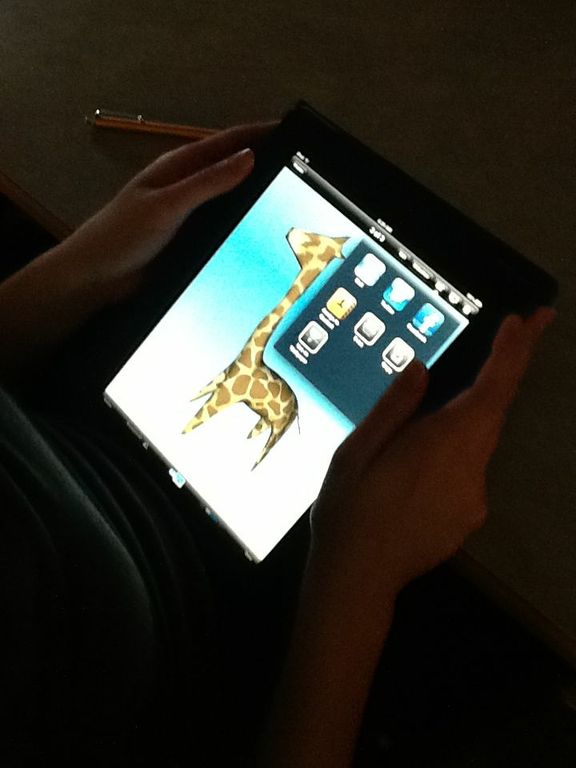
The AOIT Art class spent a little time learning the iPad app 123D Creature this week. It's a fun, 3D program that lets the user manipulate virtual clay and form it into anything they like.  Once the v-clay is molded, if can be sculpted and then painted using any textures the user can find.

 If you're interested in learning a bit about 123D Creature, check out this tutorial that give a pretty nice overview. in the meantime, here are a few of today's creatures...


Wednesday, March 26, 2014

Art Three Tests Out 123D Creature


Art Three class had a chance to stop by the Media Center last week and try their hand at the iPad app 123D Creature. A little tricky to learn but once you get the hang of it, a really fun 3D program that let's the user created creatures almost like using clay.


The app has three components; creating, sculpting and painting. Each section allows the user to add more and more detail.


Creature above in the painting stage.


Same creature with added lighting effects.


Look how completely different this creature looks from both the creature above and below. That's one thing I like about this program, you can stretch the clay and your imagination.


Sunday, October 13, 2013

123D Creature


The Computer Art class took the day and went to the Media Center to check out the new 3d iPad app called 123D Creature. This program is a little tricky to get used to. 

First, you pull and shape you creature.. then you bake and sculpt your creature, then you paint and add texture to your creature and finally you can position and photo your creature.. 

So lesson learned, you could probably spend more than a day working with this app.


Friday, March 1, 2013

123D Sculpt on the iPad


For our second day (yesterday we worked in Sketchbook Pro) in the Media Center, the computer art class got their hands on a new 3D modeling app called 123DSculpt. With this app you start out with a limp of clay and pull, tug and push it around till it starts to look like something. 

There is definitely a learning curve but these students picked up on it really quickly. Below you will see a few of the same creations from different angles to give you an idea of what the art looked like in 3D.


Thursday, February 28, 2013

Apples to Apples


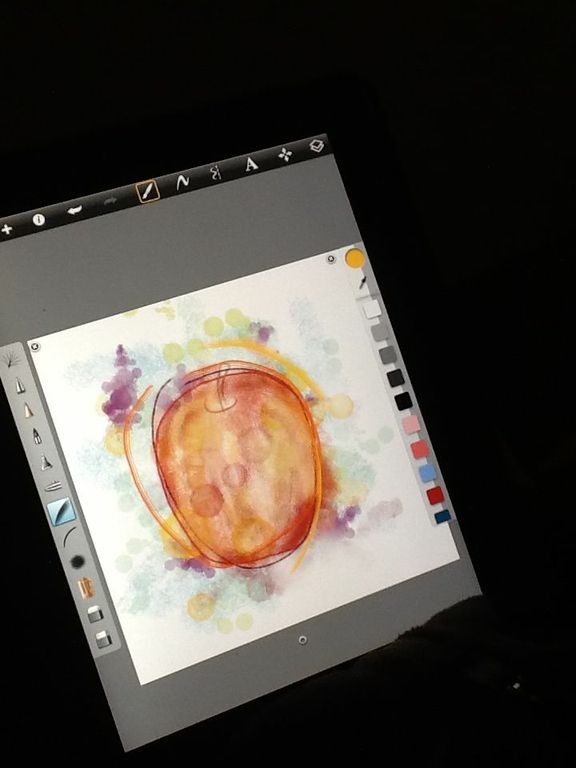
The Computer Art class spent the morning taking their first look around the iPad app Sketchbook Pro. The objective was to learn about using layers with different brushes, opacities and colors.

What better way to start using an Apple then by drawing an apple from observation. The best part was, we ate the apples when the class was over!  

Just to be clear... we ate the apples, not the Apples.


Wednesday, December 19, 2012

iPads Sketches and Clay Tile Reliefs

Students in Art 1 are working on building clay tiles that represent a Biome of their choice. The students learned the different ways to hand build and construct a relief with clay. They are currently finishing up with the first stage of the project.

In the meantime, we took a trip to the Media Center to create some color sketches using sketchbook Pro on the iPad. We used the ipads camera to capture a previously made pencil sketch. Then imported the pics into Sketchbook Pro to use as a guide for the color sketches.

After the tiles are fired, we'll paint them with acrylic paint. These color sketches are a first look at what they might be like completed...


-------


-------


-------


-------


-------
Related Posts Plugin for WordPress, Blogger...